Browser production
Live Studio
Build a professional live show without leaving the browser.
Choose camera and microphone devices, invite guests, share screens and PDFs, select production layouts, record the session and publish Program to a direct SStream Live link or external destinations.
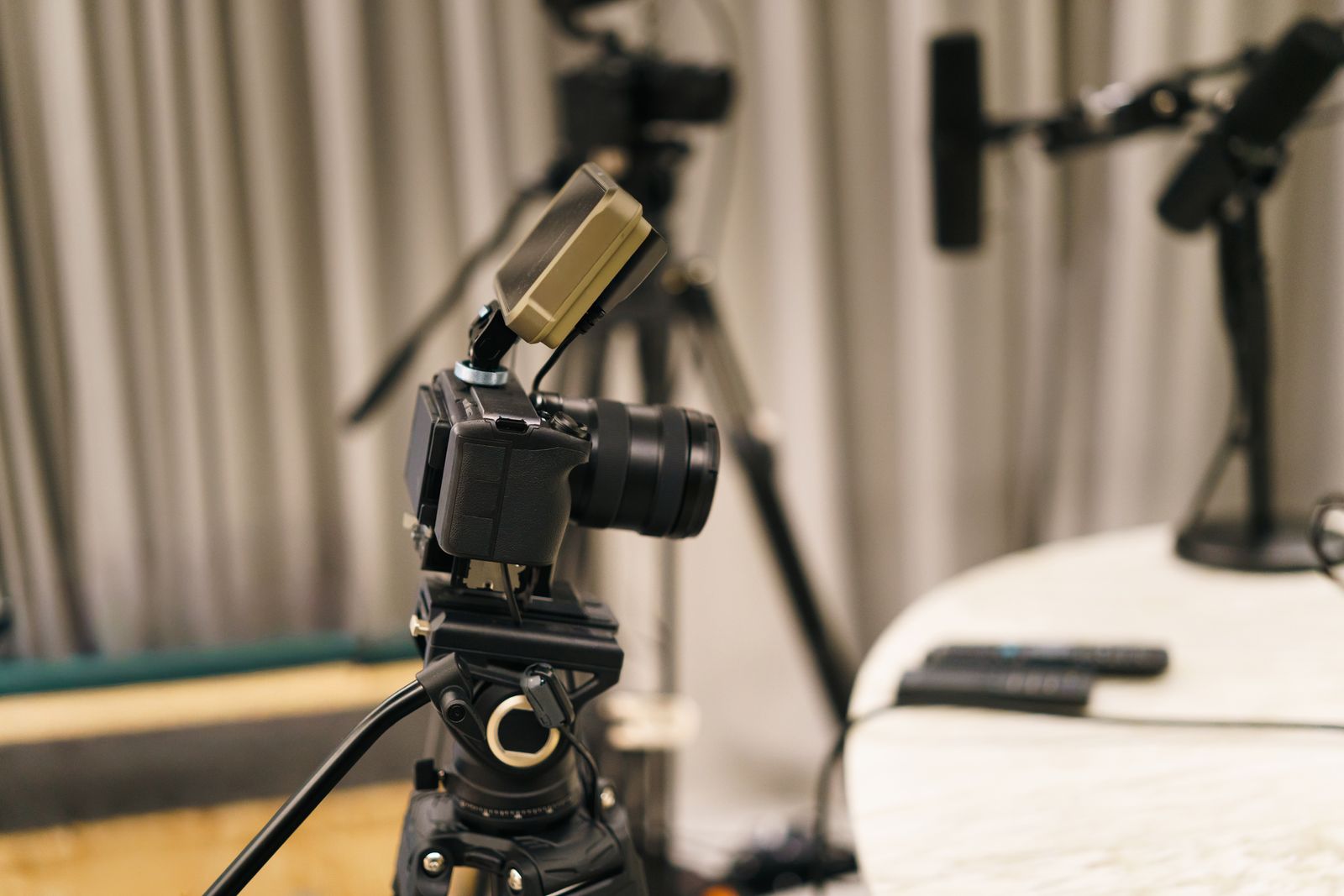
SStreamSStream feature
What's included
Built for your production
Camera and microphone selection
Guest invite links and waiting room
Screen share and PDF presentation
Production layouts and virtual backgrounds
Recording controls
Direct SStream Live viewer link
Multistream destinations
Custom RTMP / RTMPS
Workflow
A clear production path
1
Prepare
Choose a destination, devices and package-supported quality.
2
Bring in guests
Invite guests through the browser waiting-room workflow.
3
Produce
Use layouts, presentation sources, chat and recording controls.
4
Broadcast
Share your SStream Live link or send Program to the external destinations selected for the session.
Need setup details?
The SStream documentation covers meeting admission, presentations, RTMP and troubleshooting.